


Download ABIX – Personal Information Management, Secure Backup & Powerful Classification Tool
Overview
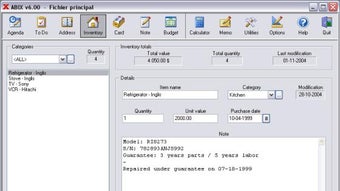
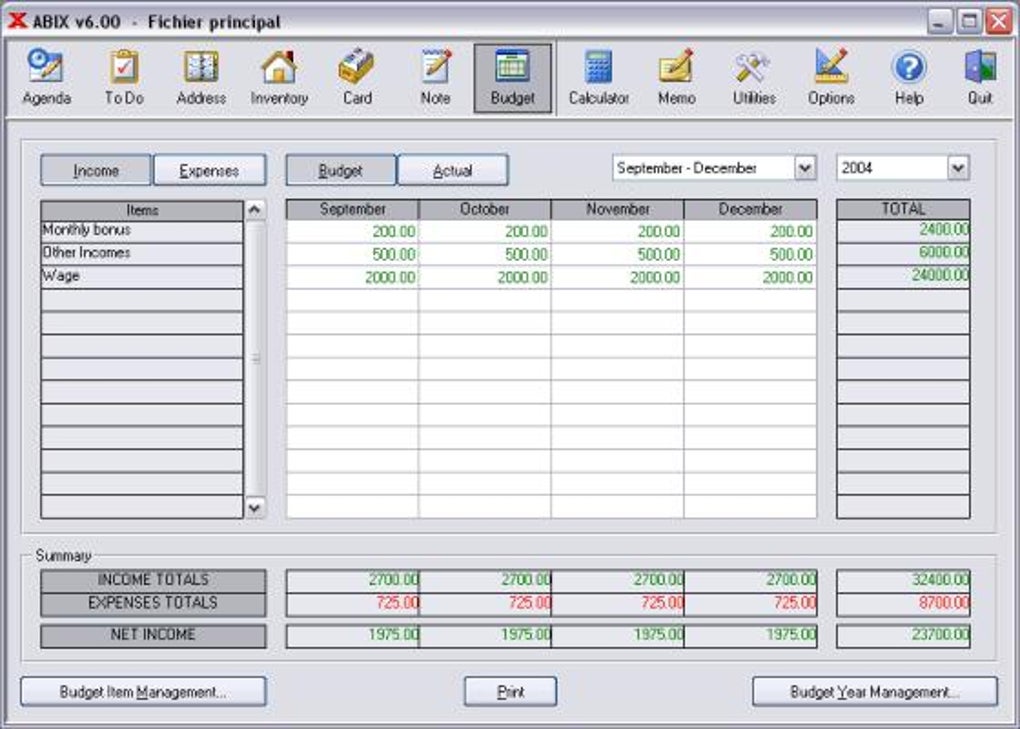
ABIX is a comprehensive personal information manager designed to bring order to the chaotic flow of data that modern households and small offices encounter daily. Whether you need to keep track of calendar events, store contact addresses, manage inventory, or simply maintain a digital notebook, ABIX offers a clean, uniform interface that makes every function feel familiar after just a short learning curve. The software’s promise lies in its limitless categorisation capability – you can create as many categories as you wish and attach up to twenty pages of text to any single item, ensuring that no detail is ever left behind.
Built with both home users and small‑business owners in mind, ABIX runs smoothly on a single computer or across a local network, allowing families or teams to share a common data repository without compromising speed or usability. A built‑in backup system protects your data against hardware failure, while password protection at startup guarantees confidentiality. The latest update introduces a registry‑based automatic startup, a second filter button for refined searches, and several usability tweaks that eliminate previous printing errors and improve task handling.
In short, ABIX positions itself as a “set‑and‑forget” personal information hub that grows with you, making it a compelling choice for anyone seeking a free, secure, and highly adaptable software solution.
Key Features & Functionalities
- Unlimited category creation – organise data exactly the way you need.
- Rich text fields supporting up to 20 pages per entry for detailed notes.
- Integrated calendar with due‑date tracking and agenda view.
- Advanced search engine with dual‑filter buttons for rapid information retrieval.
- Secure password protection on each startup to keep data confidential.
- Automatic backup scheduler – save data to floppy, USB, or network location.
- Network mode – share a single ABIX database across multiple workstations.
- Print preview and on‑screen report generation to reduce paper waste.
- Registry‑based auto‑start for improved Windows compatibility.
- Customizable address fields (Primary/Secondary) for flexible contact management.
Each feature has been crafted with the end‑user in mind. The unlimited categorisation eliminates the need for multiple applications; you can manage contacts, appointments, inventory, and personal notes within one unified environment. The rich‑text capability means you no longer have to switch to a word processor for lengthy entries – ABIX handles it natively.
The dual‑filter search system is particularly valuable when dealing with thousands of records; you can narrow results by category and keyword simultaneously, cutting down retrieval time dramatically. Security is a top priority: a simple password gate at launch protects against unauthorized access, and the backup scheduler ensures your data is safely duplicated on a regular basis, whether to an external drive or a network share. The recent registry‑based auto‑start change resolves older Windows startup conflicts, making ABIX more reliable on modern operating systems.
All these elements combine to deliver a tool that feels both lightweight for personal use and robust enough for small‑enterprise environments.
Installation & Usage Guide
Step‑by‑Step Installation
1. Download the installer: Visit the official ABIX website and click the “Download for Windows” button. The file is a small, secure .exe package (approximately 12 MB).
2.
Run the installer: Double‑click the downloaded file. Windows will prompt you to confirm the installation – choose “Yes” to proceed.
3. Select installation folder: By default ABIX installs to C:\Program Files\ABIX.
You may change the location if desired.
4. Configure startup option: During setup you can enable the new registry‑based auto‑start feature, which adds a key to HKCU\Software\Microsoft\Windows\CurrentVersion\Run.
5. Finish & launch: Click “Finish” and ABIX will open automatically.
The first launch will request a master password – choose a strong, memorable phrase.
First‑Time Configuration
After logging in, ABIX walks you through a quick “Wizard” that helps you create your initial categories (e.g., Personal, Work, Inventory). You can skip the wizard and add categories later via the “Categories” menu. The next screen prompts you to set a backup schedule – we recommend weekly backups to an external USB drive or network share. Finally, the wizard offers to import data from CSV files, making migration from older spreadsheets painless.
Daily Workflow Tips
• Quick entry: Use the “Ctrl + N” shortcut to open a new item window. Choose the appropriate category and start typing; the rich‑text field lets you embed images, tables, and bullet points.
• Search efficiently: Click the first filter button to select a category, then type keywords in the second filter box. Press “Enter” to display matching results instantly.
• Task management: When you create a task, set a due date.
The agenda view will highlight upcoming deadlines and automatically move completed tasks to the “Completed” list, where you can still edit the completion date.
• Backup reminder: ABIX will pop up a reminder based on your schedule. Click “Backup Now” to export the entire database to your chosen location.
• Printing reports: Select any list view, then click “Print Preview”. Adjust column widths and layout before sending the report to your printer or saving as PDF.
By following these steps, even a first‑time user can become proficient within an hour, as advertised by the developers. The intuitive design, combined with robust shortcuts and clear menus, ensures that managing personal and professional data becomes a seamless part of your daily routine.
Compatibility, Pros & Cons
Supported Operating Systems
ABIX is officially supported on Windows 10, Windows 11, and Windows 7 (with Service Pack 1). The installer uses a standard Win32 executable, making it compatible with both 32‑bit and 64‑bit architectures. While there is currently no native macOS, Linux, Android, or iOS version, the software can be run on these platforms via virtualization (e.g., VirtualBox) or Remote Desktop connections to a Windows host. The network mode works flawlessly across local area networks, allowing multiple Windows machines to access a shared ABIX database without version conflicts.
Pros
- Unlimited categories and extensive text fields eliminate the need for multiple specialized tools.
- Integrated backup scheduler and password protection ensure data security.
- Dual‑filter search engine drastically reduces time spent locating information.
- Registry‑based auto‑start improves compatibility with modern Windows versions.
- Simple, consistent interface reduces learning curve for all family members.
- Network capability makes it ideal for small offices and home‑office setups.
Cons
- No native macOS or mobile (iOS/Android) client limits accessibility on non‑Windows devices.
- Backup is limited to external storage or network shares; cloud integration is not built‑in.
- Advanced reporting features are basic compared to enterprise‑grade solutions.
- Initial installation requires administrator rights to modify the Windows registry.
Overall, ABIX shines in environments where Windows is the primary OS and the user values a single, all‑in‑one solution for personal and small‑business data management. The lack of native cross‑platform apps is the most noticeable gap, but the robust Windows feature set and the ability to run the program on virtual machines mitigate this drawback for many users.
Frequently Asked Questions
Can I import data from other applications like Excel or Outlook?
Yes. ABIX includes an import wizard that accepts CSV files, which can be exported from Excel, Outlook contacts, or most database programs. During the import process you map CSV columns to ABIX fields, allowing a smooth transition of existing data.
Is the backup feature able to encrypt the exported files?
The built‑in backup creates an unencrypted copy of the database file. However, you can enable Windows BitLocker or third‑party encryption tools on the target drive to secure the backup data.
Can multiple users edit the same ABIX database simultaneously?
ABIX supports network sharing, but it uses a file‑based database that allows only one write operation at a time. To avoid conflicts, coordinate editing sessions or use the “Read‑Only” mode for secondary users.
Does ABIX provide any cloud synchronization options?
No native cloud sync is offered. Users can manually place the ABIX data folder within a synchronized cloud directory (e.g., OneDrive or Dropbox), but this is not officially supported and may lead to data corruption if multiple devices edit simultaneously.
How can I reset my master password if I forget it?
If the master password is lost, you must delete the password configuration file located in %AppData%\ABIX\config.ini. After removal, ABIX will prompt you to set a new password on the next launch. Note that this will not affect your stored data.
Conclusion & Call to Action
ABIX stands out as a versatile, secure, and user‑friendly personal information manager that tackles the everyday challenge of data overload. Its unlimited categorisation, rich‑text capabilities, and integrated backup system make it an ideal companion for families, freelancers, and small office teams who rely on Windows platforms. While the absence of native macOS and mobile applications may limit cross‑device usage, the program’s robust Windows features and network sharing compensate for this shortfall in many home‑office scenarios. If you’re looking for a free, secure, and highly configurable tool that consolidates calendars, contacts, inventories, and notes into a single interface, ABIX is worth a download and a thorough test run.
Ready to bring order to your digital life? Download ABIX now and experience the ease of managing all your personal information in one place. Don’t forget to set up regular backups and protect your data with a strong password – your future self will thank you.







